01
What a sub-calendar is for
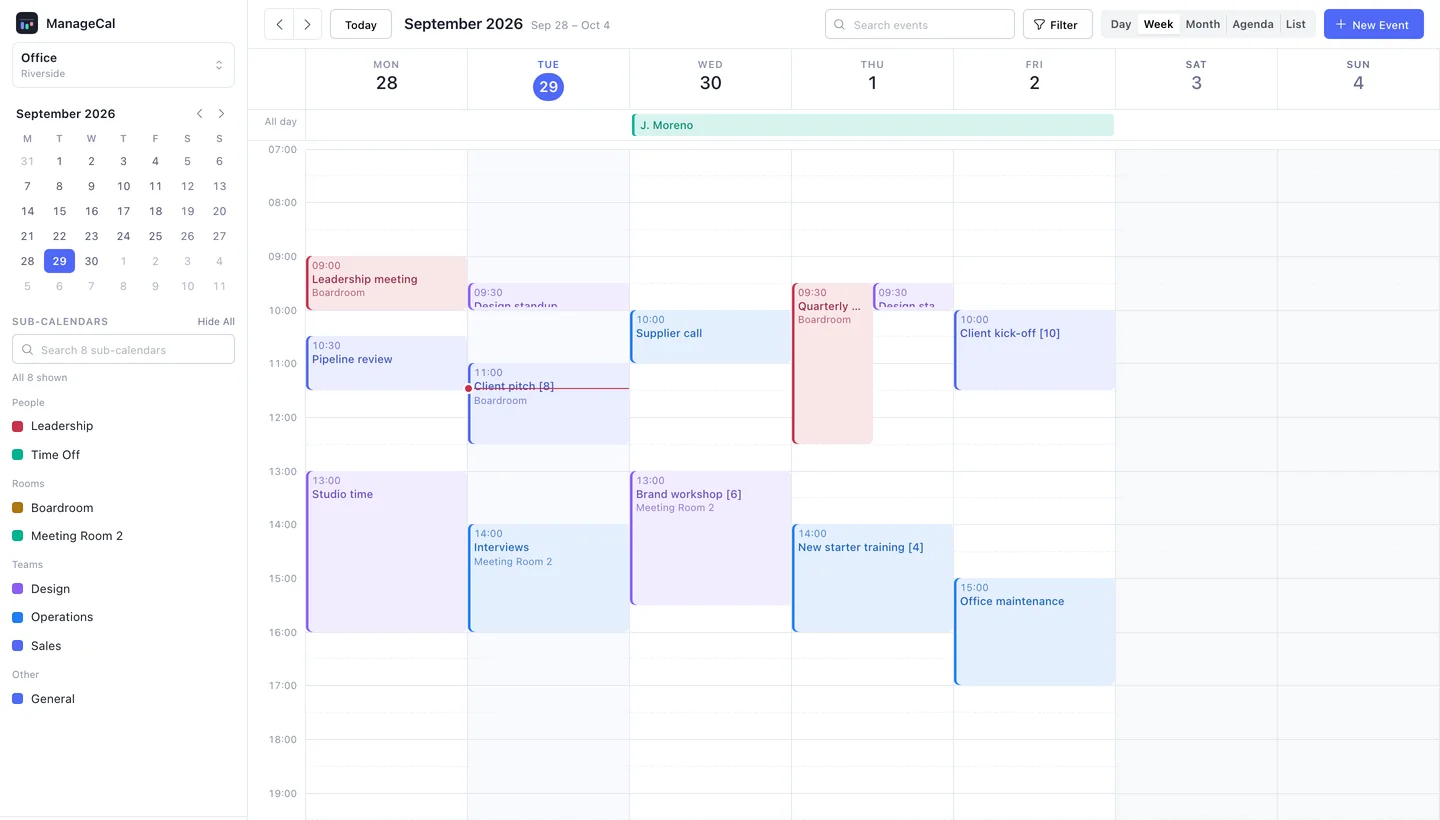
Make a sub-calendar for anything that has a schedule of its own and needs its own rules. It has a colour, so its events are recognisable at a glance. It is the unit of access, so it decides who sees and changes its events. And it can refuse overlapping events, so a room or a vehicle cannot be booked twice.
Things that are details of an event rather than schedules of their own, a status, a client, a headcount, are better as custom fields, which can be filtered across every sub-calendar at once.
Teams
- Sales
- Design
- Operations
Rooms
- BoardroomNo overlaps
- Meeting Room 2No overlaps
People
- Time Off
- Leadership
Custom fields
- ClientText
- StatusChoice
- AttendeesNumber